


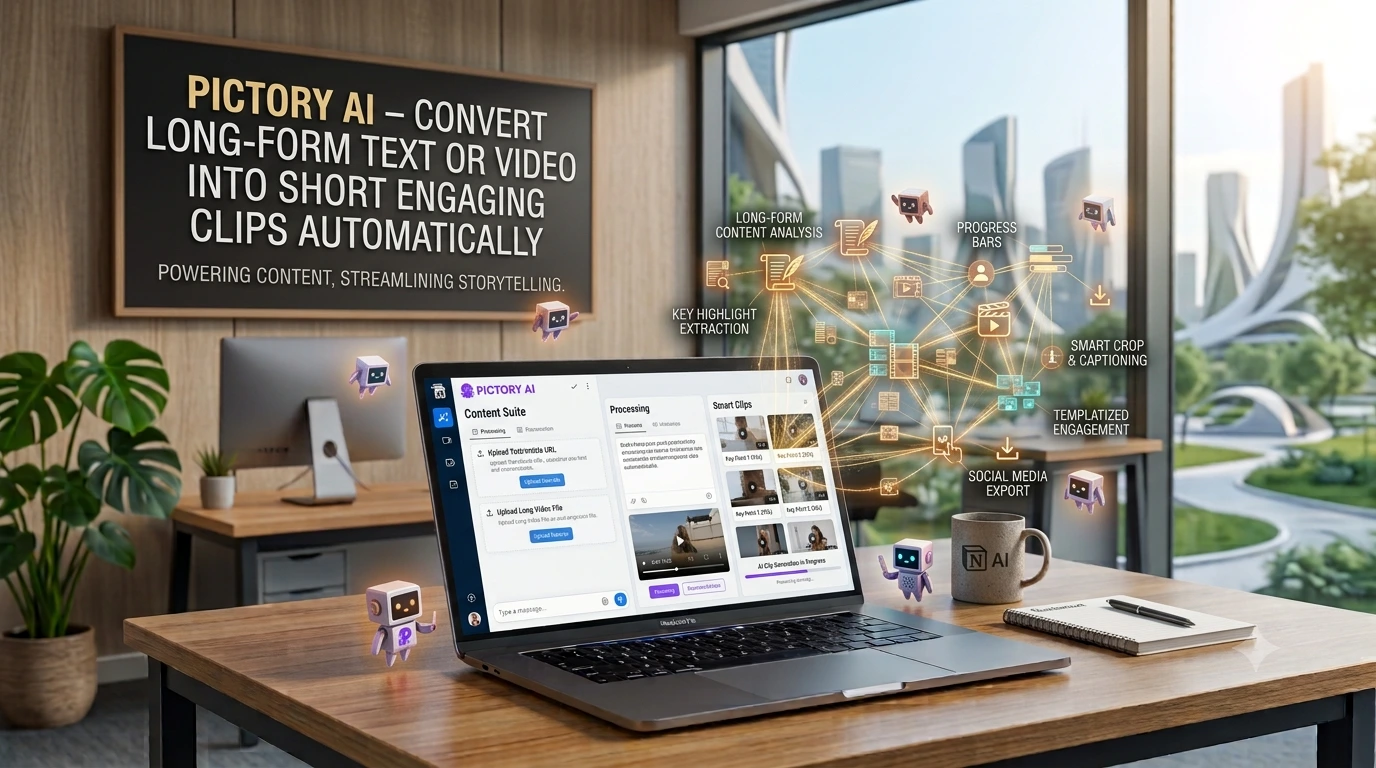
Pictory AI Review: Automatically Create Viral Short Clips from Text or Video
Meta Description: Struggling to create short-form video? This Pictory AI review shows how to automatically convert blog posts & long videos into engaging social clips for TikTok, Reels, and Shorts. No editing skills needed!
Let's be honest: video is king, but creating it can feel like a full-time job.
You have a brilliant long-form YouTube video or a deeply researched blog post. You know it could perform amazingly on TikTok, Instagram Reels, or YouTube Shorts. But the thought of sitting down to re-edit, find clips, add captions, and trim it down to 60 seconds is… exhausting.
What if you could just… press a button?
Enter Pictory AI, a powerful artificial intelligence tool designed to do the heavy lifting for you. It’s a game-changer for content marketers, bloggers, and social media managers strapped for time.
What is Pictory AI? Your New Video Creation Assistant
Pictory AI is a cloud-based software that uses advanced AI to automatically create short, highly shareable video clips from your existing long-form content.
Think of it as your smart video editor that never sleeps. You feed it a piece of content, and it identifies the most engaging highlights, adds captions, and packages it all up for social media—all in a matter of minutes.
How Does This AI Video Generator Work? The Magic Behind the Scenes
The process is remarkably simple. Pictory’s AI is built to understand content, not just chop it up randomly. Here’s the typical workflow:
-
Input Your Content: You can start with either:
-
A Blog Post URL or Script: Paste the link to your blog article or a text script. Pictory's AI will scan it for key points.
-
A Long-Form Video: Upload a video (e.g., a webinar, podcast, or tutorial) or provide a YouTube link.
-
-
AI Analysis & Scene Selection: This is where the magic happens. The AI analyzes your content to identify the most important and engaging moments. It can even use text-based commands to find specific scenes.
-
Customize & Edit: You’re still in control! The tool provides an editor where you can:
-
Fine-tune the selected clips.
-
Add your brand’s logo and colors.
-
Choose from millions of licensed stock video clips and music tracks to visually represent your text.
-
Automatically generate accurate, stylized captions that are crucial for sound-off viewing.
-
-
Render & Export: With one click, Pictory renders your video. You can then download it in the perfect format for any social platform and watch the engagement roll in.
Key Features That Make Pictory a Standout AI Tool
-
Script to Video: Perfect for turning blog posts, newsletters, or any text-based content into a visual summary video.
-
Video to Highlights: Automatically extract the best bits from your long videos without any manual editing.
-
Automatic Captioning: Add eye-catching captions to boost accessibility and watch time (a huge factor in the algorithm).
-
Stock Media Library: Access over 3 million video clips and music tracks to make your videos more dynamic.
-
AI Voiceovers: Don't want to use your voice? Generate a clear, natural-sounding voiceover in multiple accents.
-
Brand Customization: Ensure every video is unmistakably yours with custom fonts, colors, and watermarks.
Who is Pictory AI For? (Spoiler: Probably You)
This tool is incredibly versatile, but it’s a perfect fit for:
-
Content Marketers: Repurpose one piece of long-form content into dozens of social media clips.
-
Bloggers & Affiliate Marketers: Turn your written articles into video reviews and summaries to capture a new audience.
-
Course Creators & Coaches: Create promo clips from webinars and training sessions.
-
Social Media Managers: Drastically reduce video editing time and increase output for multiple clients.
-
YouTube Creators: Effortlessly create "clip channels" or promote your main videos on Shorts.
Pictory AI Pricing: Is It Worth the Investment?
Pictory offers a free trial so you can test its core features without a credit card. Their paid plans are tiered to suit different needs:
-
Standard Plan ($19/user/month): Great for beginners, includes 30 videos per month.
-
Premium Plan ($39/user/month): The most popular plan for professionals, includes 60 videos per month and longer video outputs.
-
Teams Plan ($99/user/month): For collaboration, with 90 videos per month.
Considering the time saved and the potential for increased traffic and engagement, it's a strong ROI for many businesses.
For an authoritative deep dive into the latest pricing and features, check out this detailed analysis on TechRadar: Pictory AI: How It Works and Pricing.
Frequently Asked Questions (FAQ)
Q: Do I need any video editing experience to use Pictory?
A: Absolutely not! Pictory is designed for beginners. Its AI handles the complex parts, and the interface is intuitive and easy to learn.
Q: Can I use my own voiceover and music?
A: Yes, you can. Pictory allows you to upload your own audio files for complete creative control.
Q: What are the export formats and quality?
A: You can export videos in resolutions up to 1080p, which is full high definition, perfect for all major social platforms.
Q: Is the stock media library copyright-free?
A: Yes! All of the stock video clips and music tracks within Pictory’s library are licensed for commercial use, so you don’t have to worry about copyright strikes.
Q: How accurate are the automatic captions?
A: The AI captioning is highly accurate. It also includes an easy-to-use editor so you can quickly fix any minor errors it might make.
Final Verdict: Should You Use This AI Video Creator?
Pictory AI isn't just another flashy tool; it solves a real and pressing problem for content creators. The ability to automate the most tedious parts of video editing is a massive time-saver.
The Bottom Line: If you're serious about leveraging short-form video content but are held back by a lack of time, skills, or resources, Pictory AI is undoubtedly worth a test drive. It empowers you to work smarter, not harder, and finally unlock the full potential of your existing content library.
Ready to turn your content into gold? Start your free Pictory AI trial today and see how easy video creation can be.